
Why Are My Labels Printing Crooked? Here's What to Check First
Posted by Thermal Printer Supplies on Jul 1st 2026
By Thermal Printer Supplies | Printer Troubleshooting | Skewed Labels Diagnostic
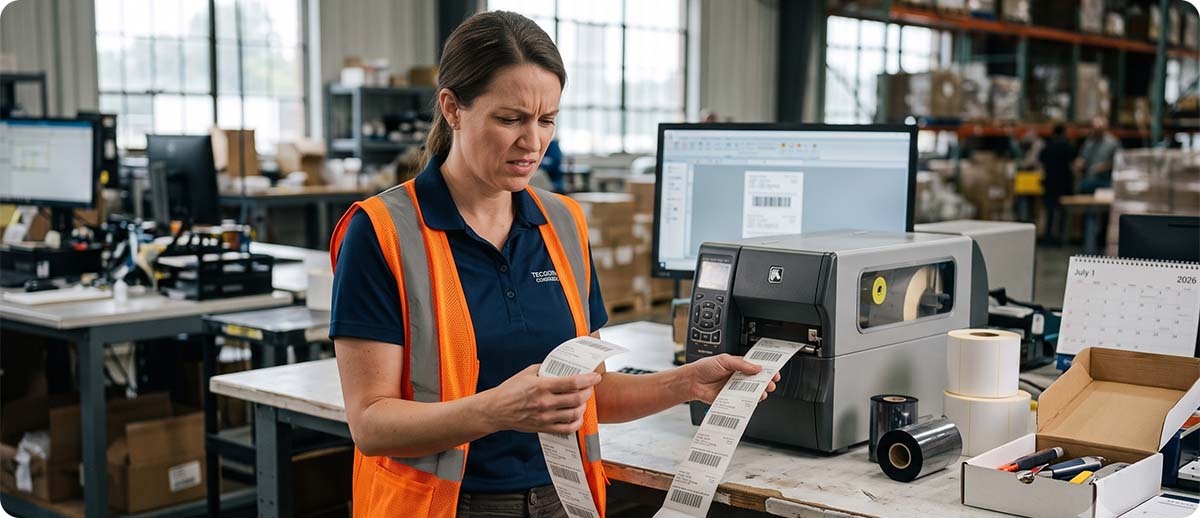
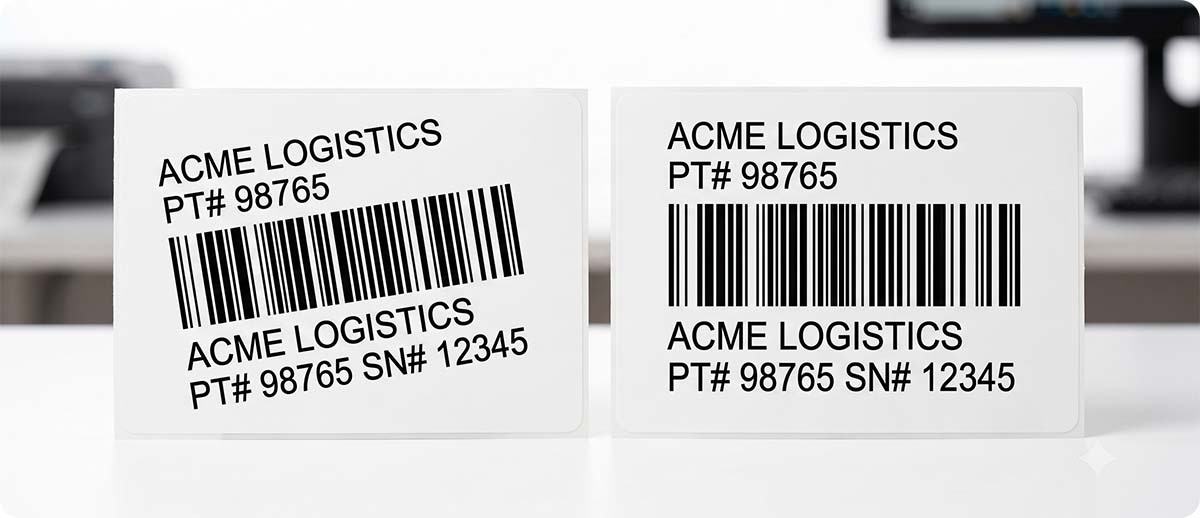
This one trips people up because crooked labels look like a print quality issue, so people start fiddling with darkness settings or wondering if the printhead is failing. But the printhead doesn't know or care if the label is straight. It just fires dots wherever the media happens to be sitting. If the media is slightly off-track, the print follows it. The fix lives in the media path, not the print settings.
Check These Three Things First
1. The Media Guides Are Set Wrong
This is the cause about 80 percent of the time. Every thermal printer has guides that the label roll sits between to keep it centered in the print path. If those guides are too loose, the roll wobbles and the label can drift left or right as it feeds. If they're too tight, the guides pinch the edges of the label and can force it into a slight angle as it travels.
The guides should be snug against the edges of the roll without squeezing it. You should be able to spin the roll freely by hand with the guides in place, but there shouldn't be any sideways play. If the roll rocks noticeably from side to side when you nudge it, that's your problem. Adjust the guides and run a test print.
2. The Label Roll Isn't Loaded Straight
A roll that's sitting slightly off-center on the media spindle will feed at a slight angle right from the start, and no amount of guide adjustment will fully correct for a roll that's already listing to one side before it enters the print path. Pull the roll out and reseat it so it sits evenly and centered before you reset the guides around it.
Also check that the media is feeding cleanly off the roll. If the first few inches of media are kinked or uneven from being wound too tightly or from sitting for a while in storage, that section alone can cause skewing. Feed out a few extra inches past the kinked part and see if the problem disappears on its own.
3. There's Debris or Adhesive Buildup on the Platen Roller
The platen roller drives the label through the printer by pressing it forward at an even rate across its full width. If one side of the roller has adhesive buildup or debris on it, that side grips the label differently than the clean side, which pulls the label slightly in that direction as it feeds. The result looks like the label is drifting toward one edge.
Open the printer and take a look at the platen roller with the printhead lifted. Run a finger across the full width of the roller. If one section feels stickier or rougher than the rest, clean the whole roller with an IPA wipe and run another test. If this keeps coming back after cleaning, the roller itself may need replacement.
A Few Quick Questions
The skewing only happens toward the end of the roll. Is that normal?
This one is actually pretty common and it's usually the label roll itself. As a roll gets smaller, the remaining labels are wound tighter and can have a slight curl or tension bias from being compressed on the inside of the roll for a long time. The guides that held the roll centered when it was large may now have a little more play with a smaller roll. Nudge the guides back in against the smaller roll and it usually clears up.
The labels print straight but the image itself is off-center on the label. Is that the same problem?
Not exactly. If the label feeds straight but the printed content is shifted to one side, that's a label template or print offset issue in the software or printer settings rather than a media path problem. Check the print offset settings in your label software and the printer's left position offset setting if it has one. The media path fixes above won't help with that one.
I've checked all three and it's still skewing. Now what?
At that point it's worth looking at whether the label stock itself is cut consistently. Occasionally a batch of labels comes off the production line with a slight taper, meaning the label is not perfectly rectangular, and no amount of printer adjustment will produce a straight feed from a label that isn't cut square. Try a different roll, ideally from a different batch, and see if the problem follows the label or stays with the printer.
If none of this resolves it and you want a second opinion before ordering parts or sending anything in for repair, fill out the form below. We'll help you figure out what's actually going on before you spend money on a fix you might not need.