
Top 5 Desktop Barcode Printers for Small and Mid-Size Operations in 2026
Posted by Thermal Printer Supplies on Aug 13th 2026
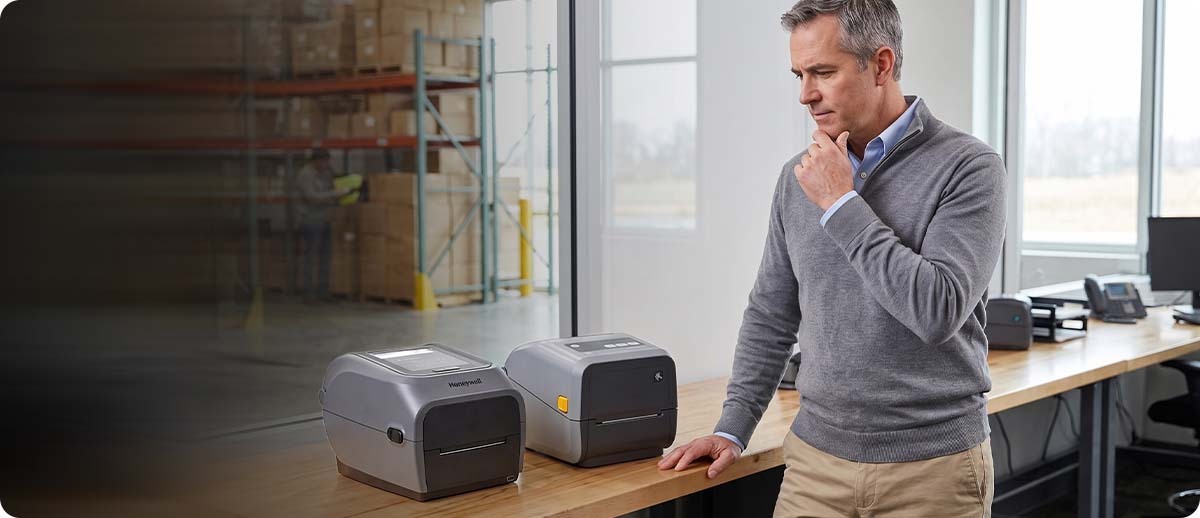
By Thermal Printer Supplies | Desktop Printers | Top 5 Desktop Printers 2026
Desktop label printers are the workhorses of most small and mid-size labeling operations. They're compact enough to sit on any workstation, handle the majority of standard label formats, and cost significantly less than industrial printers. The tricky part is that the differences between models matter more than most buyers realize before they order, and getting the wrong one often means replacing it within a year when volume grows or a specific feature turns out to be required. These five picks cover the most common desktop labeling scenarios in 2026.
1. Best Overall: Zebra ZD421
The ZD421 is the most widely deployed 4-inch desktop label printer in North America and it earned that position by covering the majority of standard desktop labeling needs without anything getting complicated. It's available in direct thermal, thermal transfer, and thermal transfer cartridge configurations, so you can match the media type to the application without switching printer families. A modular connectivity slot accepts Ethernet and Wi-Fi add-on modules as field-installable upgrades, which means you can buy what you need now and expand connectivity later without replacing the printer.
It runs Zebra's full Print DNA suite including ZPL II, which means existing Zebra label templates work on it without reconfiguration, and it integrates cleanly with any WMS or ERP that already has Zebra printer support. Print speed is up to 6 ips at 203 or 300 DPI. The cartridge configuration deserves a specific mention for anyone managing a printer that non-technical users load media on frequently. Threading a ribbon roll is genuinely confusing for infrequent users. Snapping in a cartridge is not. If that sounds like your workstation, the cartridge configuration simplifies training and reduces media loading errors significantly.
The ZD421 is the right answer when the workstation is dedicated to a single user, volume is low to moderate, and you want proven reliability without paying for features you don't need.
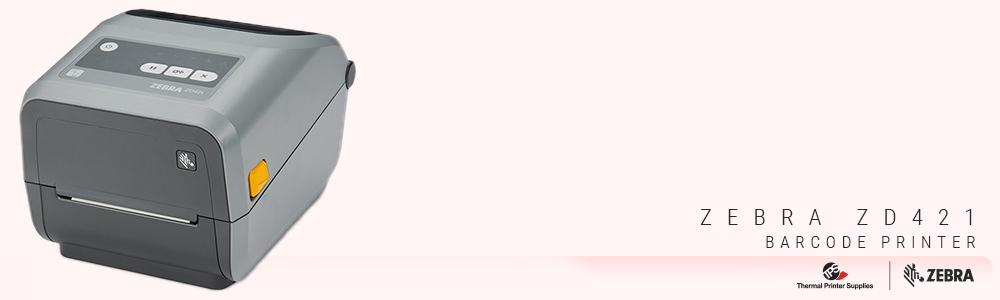
Zebra ZD421
4-inch | Up to 6 ips | DT, TT, or cartridge | 203 or 300 DPI | USB, BT, optional Ethernet/Wi-Fi
Shop Zebra ZD421 →2. Best for Shared Workstations and Higher Volume: Zebra ZD621
The ZD621 is the step up from the ZD421 and the right choice when the printer is going to be shared by multiple people, running higher daily label volumes, or needs the Serial connectivity that the ZD421 doesn't offer. Print speed goes up to 8 ips, which is a 33 percent improvement over the ZD421 and starts to matter in batch printing scenarios where the printer runs continuously through queued jobs. Serial is included as standard on all ZD621 configurations, which is the only 4-inch Zebra desktop path to Serial connectivity for operations with legacy system requirements.
The optional 4.3-inch color touch LCD on select ZD621 configurations is a real operational improvement for shared printers. When multiple workers use the same printer throughout the day, a display that shows the current status in plain text rather than light pattern codes reduces the number of times someone has to call IT to figure out why the printer stopped. It also makes configuration changes accessible to workers who aren't printer experts. The ZD621 also has a linerless configuration for operations eliminating liner waste, which the ZD421 doesn't offer.
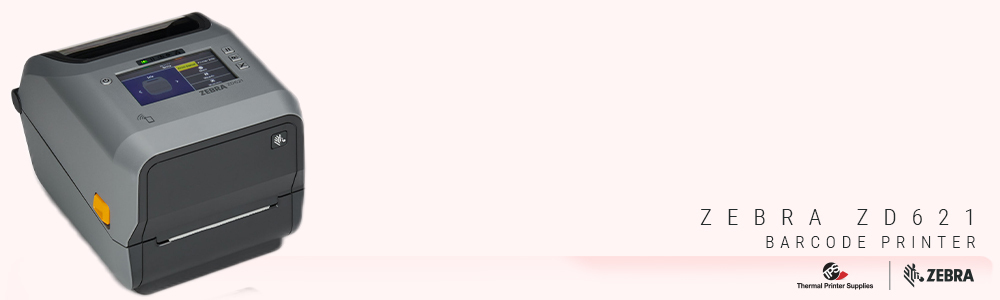 Zebra ZD621
4-inch | Up to 8 ips | DT or TT | 203 or 300 DPI | Serial standard | Optional color touch LCD | Linerless option
Shop Zebra ZD621 →
3. Best for Space-Constrained Workstations: Zebra ZD411
The ZD411 is the 2-inch compact version of the ZD421 and the right answer when the label is small and the workstation space is limited. It uses the same Print DNA platform as the rest of the ZD400 series, the same modular connectivity approach for Ethernet and Wi-Fi upgrades, and the same management tools. The difference is the 2-inch print width, which covers specimen labels, medication labels, small item tags, and any application where the label itself is compact.
The ZD411 is a particularly common choice in healthcare and laboratory environments where workstation space is genuinely limited and the labels being printed are small by nature. Specimen tubes, prescription bottles, patient ID wristbands, and lab sample labels are all 2-inch or smaller applications where buying a 4-inch printer is just buying more printer than the label requires. It's also available in an HC healthcare configuration with disinfectant-ready plastics and a medical-grade power supply for clinical environments.
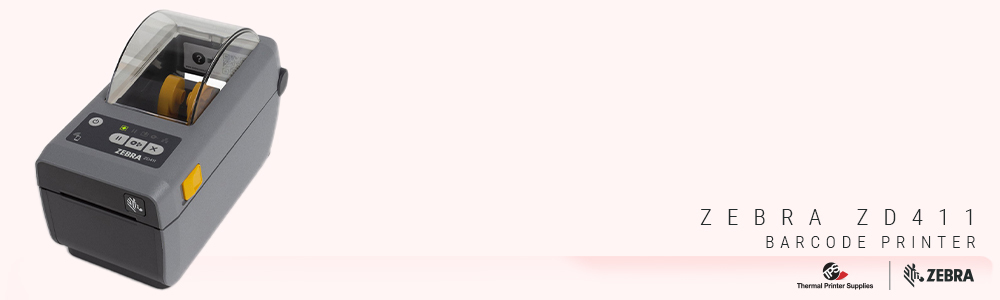
Zebra ZD411
2-inch | DT | 203 or 300 DPI | Compact footprint | USB, BT, optional Ethernet/Wi-Fi | HC healthcare version available
Shop Zebra ZD411 →4. Best Honeywell Alternative: Honeywell PC45
If your operation already runs Honeywell mobile computers or scanners and you'd prefer to stay in one ecosystem, or if you've evaluated the Zebra ZD421 and want a genuine alternative to compare it against rather than just defaulting to the market leader, the Honeywell PC45 is the legitimate desktop Honeywell option.
The PC45 is a 4-inch desktop printer available in direct thermal and thermal transfer configurations. It competes directly with the ZD421 on specs and has a built-in RFID option that the ZD421 doesn't offer in desktop form, which is worth knowing if RFID desktop printing is on your roadmap. Where the ZD421 generally wins is on the management software ecosystem, Zebra's Print DNA suite has more integrations and is more widely supported in enterprise WMS platforms than Honeywell's equivalent tooling. But if your IT team is already comfortable with Honeywell's management tools or your WMS has specific Honeywell printer support, the PC45 is a capable alternative that doesn't require switching ecosystems.
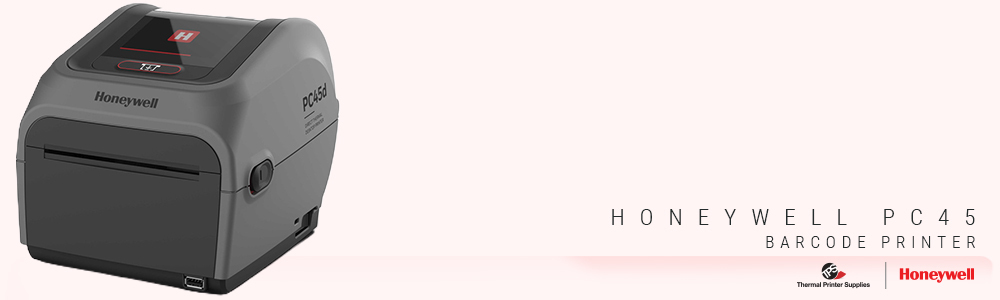
Honeywell PC45
4-inch | DT or TT | 203 or 300 DPI | RFID option | USB, Ethernet, Wi-Fi | Honeywell ecosystem
Shop Honeywell PC45 →5. Best Value Option: TSC Desktop Printers
TSC is a Taiwanese printer manufacturer that doesn't get as much attention as Zebra or Honeywell but consistently earns strong reviews for reliability and value. TSC desktop printers like the TE210 and TE310 offer direct thermal and thermal transfer printing at price points that are meaningfully lower than the ZD421, which matters when you're deploying a large number of low-volume workstations where the cost per printer adds up quickly.
The trade-off relative to Zebra is primarily in the software ecosystem. TSC supports ZPL II for label compatibility, so existing Zebra label templates generally work without significant rework. But the management and configuration tools are not as deep as Zebra's Print DNA suite, and the integration support in major WMS platforms is less common. For straightforward labeling applications where you don't need enterprise-grade fleet management and the label format is not going to change frequently, TSC delivers solid print quality and reliable operation at a lower entry cost. For operations where the management capabilities of Zebra Print DNA are actively used and valued, the savings on hardware may not offset the software ecosystem difference.
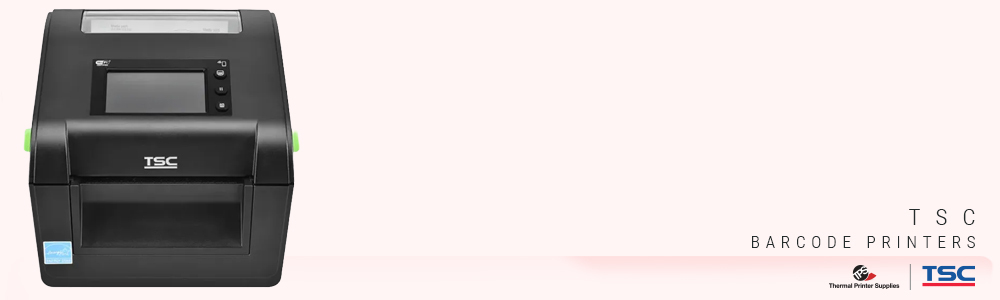
TSC Desktop Printers
4-inch | DT and TT models | 203 or 300 DPI | ZPL II compatible | Value-focused pricing
Shop TSC Desktop Printers →
The Quick Reference
| Your Situation | The Pick |
|---|---|
| Standard single-user workstation, low to moderate volume | Zebra ZD421 |
| Shared printer, higher volume, Serial connectivity, or linerless | Zebra ZD621 |
| Small labels, space-constrained workstation, healthcare or lab | Zebra ZD411 |
| Already running Honeywell or want a genuine Zebra alternative | Honeywell PC45 |
| Budget-focused deployment, high printer count, standard labels | TSC Desktop |
Quick Questions
We're replacing a GK420 or GX420. Which one do we go to?
The ZD421 is the direct replacement for both the GK420 and GX420 series. It's faster, has better connectivity options, and runs the full Print DNA suite the older models didn't support. Your existing ZPL label templates carry over without any changes. If you were happy with the GK420 or GX420 and just need a current equivalent, the ZD421 is the straightforward upgrade.
Should we get the 203 DPI or 300 DPI version?
203 DPI covers standard shipping labels, inventory tags, and most general-purpose barcode labels. 300 DPI is worth the upgrade when labels carry small text, detailed graphics, or high-density 2D barcodes like Data Matrix or QR codes that need sharper resolution for reliable scanning. If your labels are relatively simple with a standard barcode and readable text, 203 DPI handles them well. If the label contains a lot of small detail, 300 DPI is the cleaner output.
We're printing to multiple printers across two locations. Does that change anything?
If you're managing multiple printers remotely, Zebra's Print DNA tools including Zebra Printer Profile Manager Enterprise and Remote Management make that significantly easier than managing non-Zebra printers across sites. That's one of the strongest arguments for staying in the Zebra ecosystem when you have a fleet rather than a single printer. Both ZD421 and ZD621 are manageable through those tools. If you're also running Honeywell or TSC printers in the same fleet, a third-party MDM solution that handles multiple printer brands may be worth evaluating.
If you want a straight recommendation before you order based on your specific label type, daily volume, and workstation setup, fill out the form below. We'd rather help you get the right printer the first time than process a return on the wrong one.