
Is Your Desktop Printer the Wrong Tool? Signs It's Time to Step Up to Industrial
Aug 3rd 2026
By Thermal Printer Supplies | Buying a Printer | Desktop vs. Industrial Decision Guide
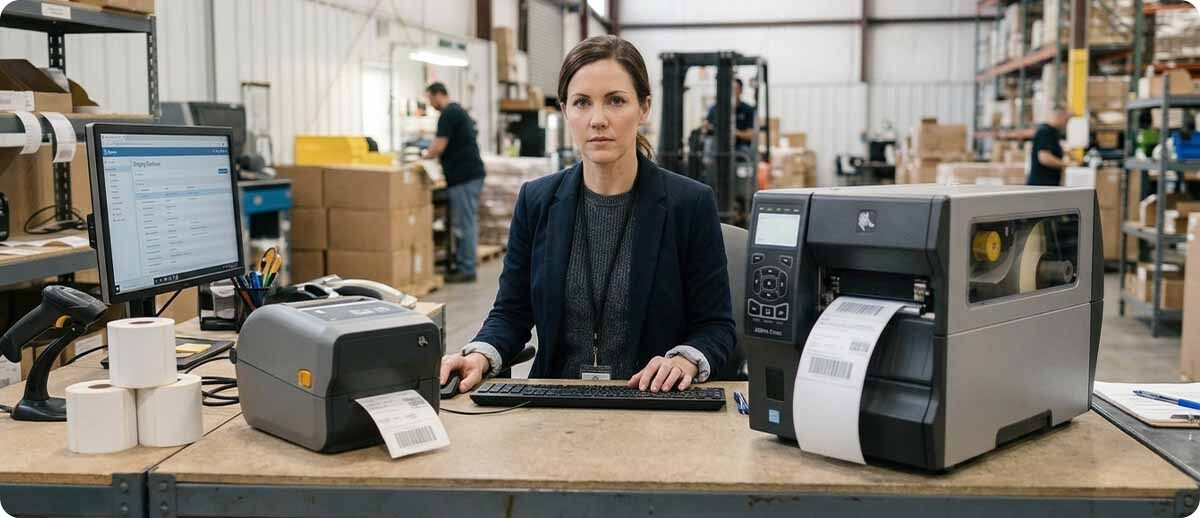
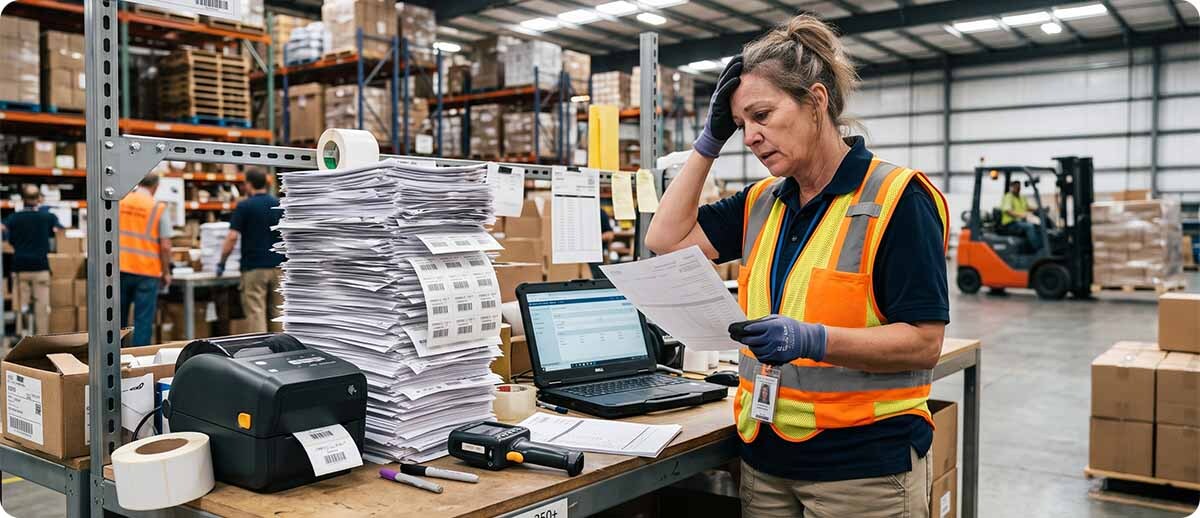
A desktop printer running a job it was never designed for develops problems in a predictable sequence. First the print quality starts getting inconsistent. Then the printhead wears out faster than it should. Then the printer starts jamming. Then it dies. If any of that sequence sounds familiar, it's probably not a bad printer. It's the wrong printer for the job.
Signs Your Desktop Printer Is the Wrong Tool
You're changing the roll multiple times per shift
Desktop printers accept 4-inch cores with smaller roll diameters. Industrial printers take 8 and 10-inch cores that hold significantly more labels per roll. If your team is changing rolls several times during a single shift, that's not just a nuisance. Every roll change is a stoppage, a chance for a misload, and a moment where the printer sits idle. Industrial printers were built to reduce that frequency, and in high-volume operations the roll change math alone often justifies the step up.
Your printer is running most of the day and print quality is inconsistent
Desktop printers have a duty cycle, a maximum volume they're designed to handle before the heat, friction, and motor strain of continuous operation starts degrading performance. Most are built for low to moderate volume use. When a desktop printer runs all day across a full shift, it gets hot, print quality becomes inconsistent across a batch, and parts wear faster than the manufacturer intended.
Industrial printers are built for continuous operation. Their motors, frames, and cooling are designed for multi-shift printing at sustained speeds up to 14 inches per second without the performance degradation that happens when a desktop printer runs beyond its design parameters. If your desktop is hot to the touch by midday and the labels coming out of it at 3 p.m. look different from the ones at 8 a.m., that's a duty cycle problem, not a settings problem.
Your printhead is wearing out faster than it should
Printhead life is measured in linear inches of printing. A printhead being used at twice the volume it was designed for wears out in roughly half the time, which means you're buying replacement printheads more often than you'd expect and more often than the printer's nominal lifespan would suggest. If your printhead replacement frequency feels high relative to what you're spending on the printer, check the duty cycle the printer was rated for versus the volume you're actually running through it.
Downtime is costing you more than the printer upgrade would
This is the calculation most people skip. If your desktop printer goes down during a shift and that downtime costs your operation a measurable amount per hour, whether in labor standing by, orders not processed, or production stopped, the cost of that downtime accumulates quickly. An industrial printer with a metal frame, higher-grade components, and a longer service life between repairs costs more upfront but has a very different downtime profile. For many operations running high volumes, the cost of downtime makes the industrial printer the cheaper long-term option even when the sticker price is three times higher.

When a Desktop Printer Is Still the Right Answer
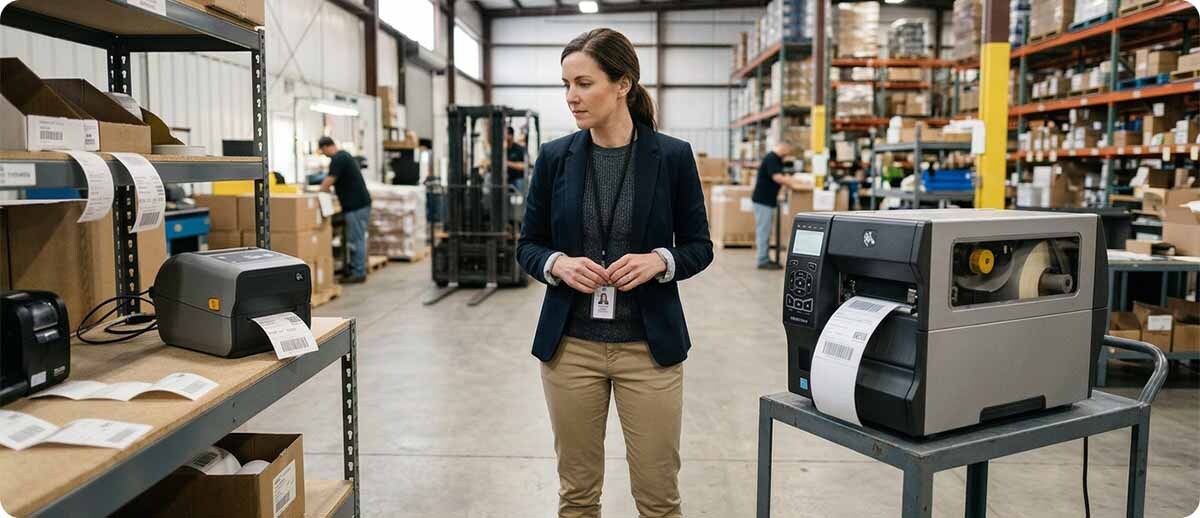
None of the above applies if your operation genuinely doesn't run high volumes. A desktop printer is the right tool for a shipping desk that prints a few hundred labels a day, an office that prints labels occasionally, a retail location printing price tags on demand, or any single-shift low-volume application where the printer sits idle for significant portions of the day. Desktop printers are also easier to set up, take up less space, and cost significantly less upfront. If the volume doesn't justify an industrial printer, buying one anyway is just spending money you don't need to spend.
The honest rule of thumb: if you're printing fewer than 500 labels per day in a single shift and the printer is sitting idle for most of that time, a desktop printer handles it well. As you approach and exceed 1,000 labels per day consistently, or start running a second shift, you're in the range where the industrial option starts making financial sense and becomes increasingly compelling as volume grows.
The Quick Reference
| Situation | Right Choice |
|---|---|
| Under 500 labels per day, single shift, light use | Desktop (ZD421, ZD621, PC45) |
| 500 to 1,000 labels per day, single shift, moderate use | Evaluate both, depends on environment |
| Over 1,000 labels per day, high-volume, or multi-shift | Industrial (ZT231, ZT411, PM45) |
| 24/7 continuous operation, production line | Premium industrial (ZT611, ZT621, PM65) |
| Changing rolls multiple times per shift right now | Industrial (larger core capacity) |
Shop Desktop and Industrial Printers at TPS
Desktop Printers
Zebra ZD411, ZD421, ZD621 | Honeywell PC45 | Up to 8 ips | 4-inch core media | Low to moderate volume
Shop Desktop Printers →Industrial Printers
Zebra ZT231, ZT411, ZT421, ZT610, ZT620 | Honeywell PM45, PM65 | TSC T8000 | Up to 14 ips | Large core media | High volume and multi-shift
Shop Industrial Printers →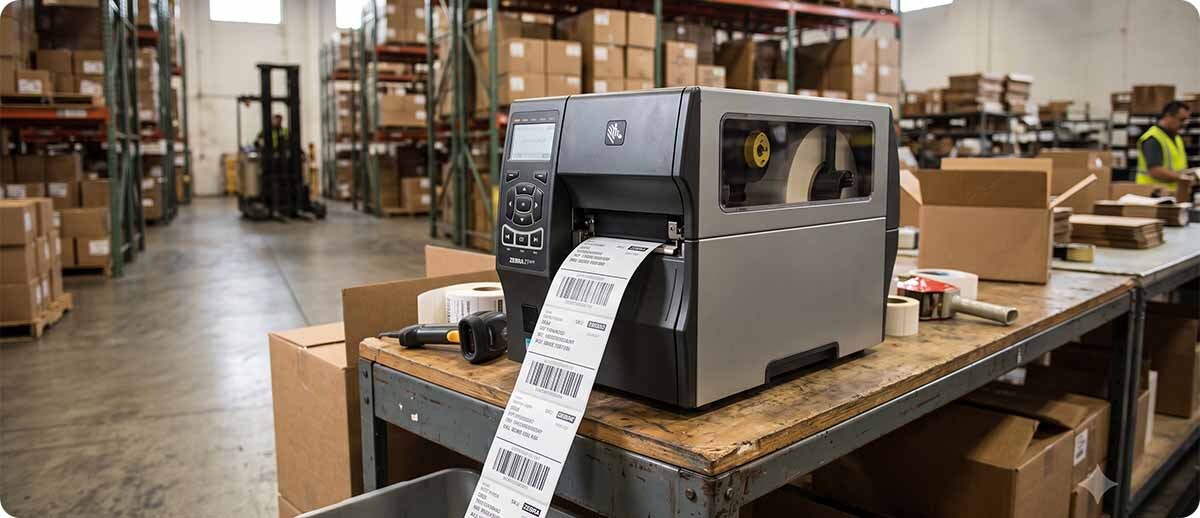
Quick Questions
Our desktop printer is only a year old. Is it worth replacing already?
Depends on what it's doing. If it was running light volume when you bought it and your volume has grown significantly, a year of running beyond its design parameters can age a printer considerably. If it's showing the symptoms above, printhead wear, inconsistent print quality, frequent jams, the age of the printer matters less than the mismatch between the workload and the design. It's worth running the numbers on what the downtime and replacement consumables are costing you versus the cost of the right tool for the job.
Is there a mid-range option between desktop and full industrial?
The Zebra ZT231 is the entry-level industrial option and sits at a lower price point than the ZT411 while still offering the metal frame, larger media capacity, and higher duty cycle of the industrial category. For operations that have clearly outgrown a desktop but don't need the full ZT411 or ZT610 capability, the ZT231 is often the right landing spot. It's a meaningful step up from a ZD421 without the full investment of a premium industrial printer.
We run two shifts. Does that automatically mean industrial?
Two shifts running at moderate combined volume might still be borderline. Two shifts running at high combined volume is firmly industrial territory. The key question is total daily label count across both shifts, not just the number of shifts. Tell us your approximate daily volume and we can give you a straight answer on which tier makes sense.
If you're not sure which category fits your operation, tell us your approximate daily volume, your shift setup, and what's going wrong with your current printer if anything. Fill out the form below and we'll give you a straight answer before you spend money on the wrong thing.