
Zebra ZD421 vs ZD621: A Barcode Printer Comparison
Posted by Thermal Printer Supplies on Aug 16th 2025
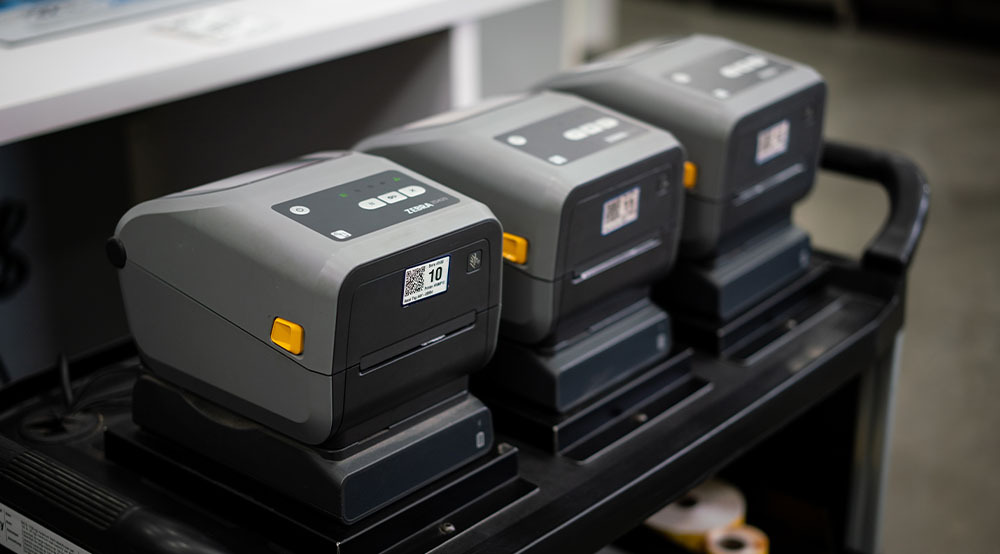
Choosing the right desktop thermal printer for your business is a critical decision that impacts efficiency, productivity, and long-term costs. Zebra's ZD421 and ZD621 models represent the pinnacle of modern label printer technology, offering a significant upgrade over their predecessors. But how do you determine which model is the perfect fit for your specific operational needs? This comprehensive buying guide provides a detailed thermal printer comparison of the Zebra ZD421 and Zebra ZD621, highlighting their core differences in performance, features, and applications. By the end, you'll have the knowledge to make an informed choice that aligns with your budget and business goals.
Core Differences: What Sets the ZD421 & ZD621 Apart
The most notable difference lies in raw performance. Both printers feature a powerful architecture, with 512 MB of flash memory and 512 MB of SDRAM, ensuring they can handle complex label designs and high-volume print jobs with ease. However, the ZD621 is engineered for maximum throughput, making it an excellent choice for a warehouse label printer.
Print Speed: This is where the ZD621 truly shines.
- Zebra ZD421: Prints at a reliable 6 inches per second (ips) on 203 dpi models.
- Zebra ZD621: Reaches speeds of up to 8 ips on 203 dpi models, making it 33% faster than the ZD421. The 300 dpi model of the ZD621 still maintains a brisk 6 ips, matching the ZD421's standard speed. This speed difference is a key factor for high-volume operations where every second counts. For a business looking for a reliable thermal printer for shipping, the ZD621's speed is a major advantage.
User Interface and Display Options: The user experience is another key differentiator. While the ZD421 is designed for straightforward, no-fuss operation, the ZD621 offers a more sophisticated interface.
- Zebra ZD421: Features a simple and effective 3-button, 5-LED icon interface.
- Zebra ZD621: Comes with a standard 3-button interface but offers an optional upgrade to a full-color LCD touch display. This intuitive screen simplifies printer management and provides at-a-glance status and error information, reducing the need for extensive user training or technical support. This advanced feature is a key component of the Zebra ZD621 features that make it a premium model.
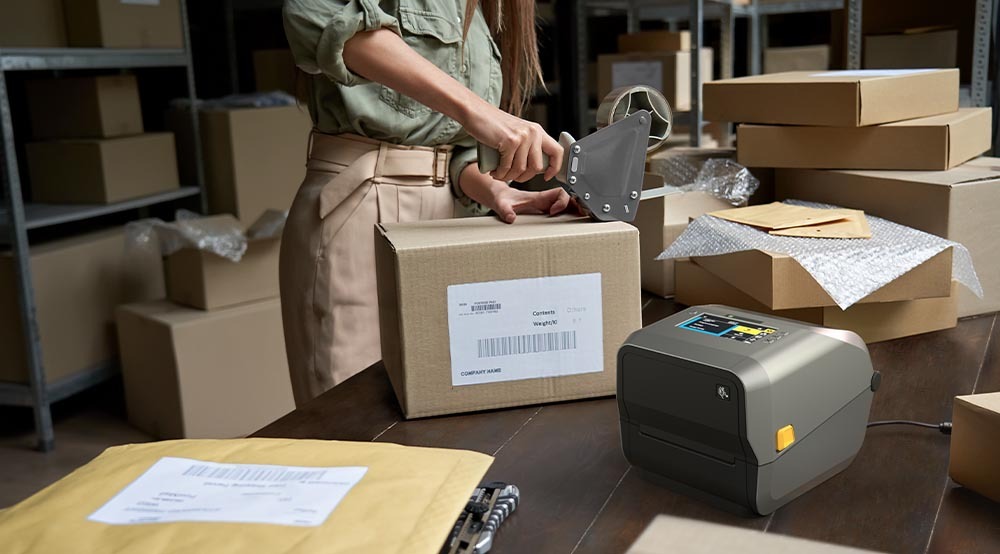
Media Handling, Connectivity, and Application
Both the ZD421 and ZD621 are versatile desktop label printers that excel at producing high-quality barcodes, text, and graphics. Both models can function as a label maker and a dedicated barcode label printer.
Media Compatibility: Both printers accommodate a wide range of media types and sizes, whether you're using a direct thermal printer or a thermal transfer printer.
- ZD421: Handles print widths up to 112 mm (4.41 inches).
- ZD621: Offers a slightly wider print width of up to 118 mm (4.65 inches).
Connectivity and Integration: The Zebra ZD series printers are renowned for their seamless connectivity. Both models support multiple connections, making them highly versatile for small business label printer needs.
Industry Applications: While both printers are suitable for a wide array of industries, their specific features make one a better choice for certain applications. For example, for inventory label printer needs in a large warehouse, the ZD621's speed and durability make it the ideal choice. In retail, the ZD421 is a cost-effective solution for printing price tags, while the ZD621's speed benefits a large retail chain. For healthcare label printer needs, both have specialized models that can withstand common medical sanitization processes.
Price and Value Proposition
Pricing for a Zebra ZD621 generally starts higher than for a Zebra ZD421. While the ZD421 represents exceptional value and performance for its price point, the ZD621 justifies its higher cost with advanced features that can lead to significant long-term productivity gains. A quick search for Zebra ZD421 price will show it is a more budget-friendly option.
When is the ZD621 an Overkill?
- If your small business label printer needs are low-volume.
- When your applications only require basic text and barcode printing without advanced features.
When to Invest in the ZD621
- When your business needs the best label printer for high-volume, continuous use.
- If you're looking to future-proof your investment with features like an optional color touch screen and advanced security. The Zebra ZD621 review from industrial users often highlights these benefits.
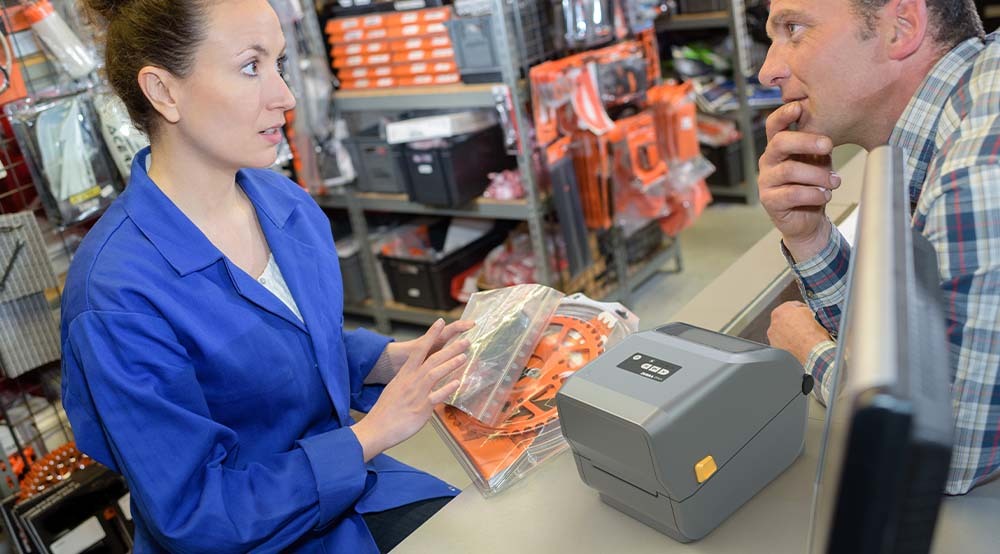
Making Your Decision: 5 Key Questions
To simplify your choice between the ZD421 and ZD621, answer these five straightforward questions:
1. What's your daily print volume?
Under 200 labels/day → ZD421
Over 200 labels/day → ZD621
2. How important is print speed to your operation?
- Standard speed adequate → ZD421
- Need maximum speed → ZD621
3. What's your budget range?
- Cost-conscious → ZD421
- Investment in premium features → ZD621
4. Do you need advanced interface features?
- Basic LED indicators sufficient → ZD421
- Want color touch display → ZD621
5. Are you planning for future expansion?
- Current needs focus → ZD421
- Future-proofing important → ZD621
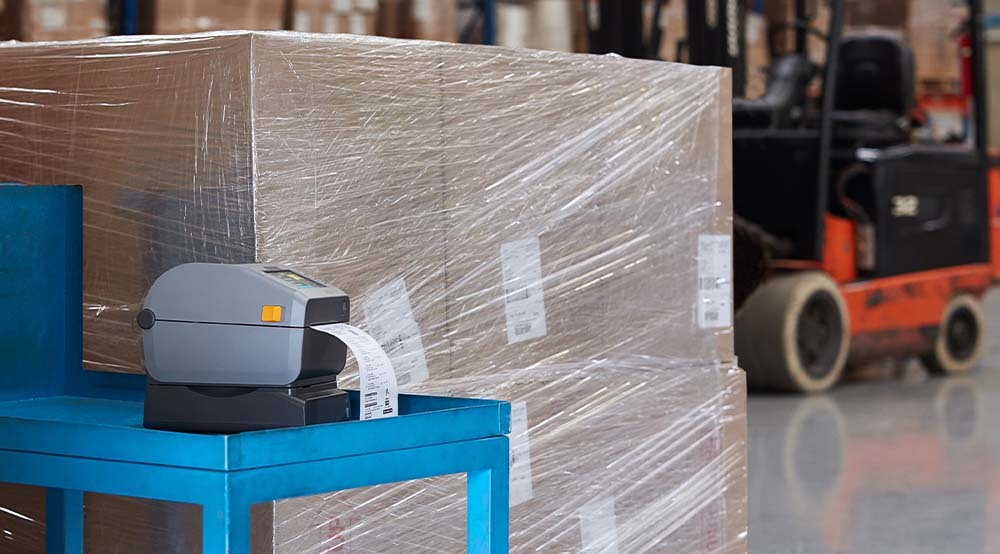
Both the Zebra ZD421 and ZD621 desktop printers offer exceptional value within their respective market segments. The ZD421 provides an excellent balance of features, performance, and affordability for most standard applications. Meanwhile, the ZD621 delivers premium performance and advanced features for demanding environments requiring maximum throughput and sophisticated management capabilities.
Your choice should align with your specific operational requirements, budget constraints, and growth projections. Both models represent solid investments in Zebra's proven thermal printing technology, backed by comprehensive support and the reliable Print DNA software suite.
Talk to an Expert